CCYI GLOBAL ACADEMY
Shop beginner-friendly tech courses, practical training tutorials, data tools, web development content, automation, and digital skills courses from Palace Tech Hub.
Shop by Category
All Courses

Microsoft Power Automate Tutorial (Beginner → Practical)
Learn workflow automation, process automation, triggers, and practical Microsoft Power Automate use cases.
₦0,000

Basic Understanding of Microsoft Excel (For Beginners)
Start with worksheets, formulas, formatting, sorting, and beginner spreadsheet productivity.
₦0,000

Excel Tutorial: Pivot Tables, Macros, and VBA
Advance your Excel skills with automation, reporting, data summaries, and VBA concepts.
₦0,000

Basic Understanding of Web Development
A simple introduction to how websites work, frontend/backend concepts, and tools beginners need.
₦0,000

Basic Understanding of HTML (For Beginners)
Learn the structure of web pages, elements, tags, forms, headings, links, and page layouts.
₦0,000

Basic Understanding of CSS / CSS INTRODUCTION
Understand styling, colors, spacing, layouts, selectors, and how CSS transforms plain HTML pages.
₦0,000

Basic Understanding of JavaScript (For Beginners)
Learn variables, functions, DOM basics, events, conditions, loops, and website interactivity.
₦0,000
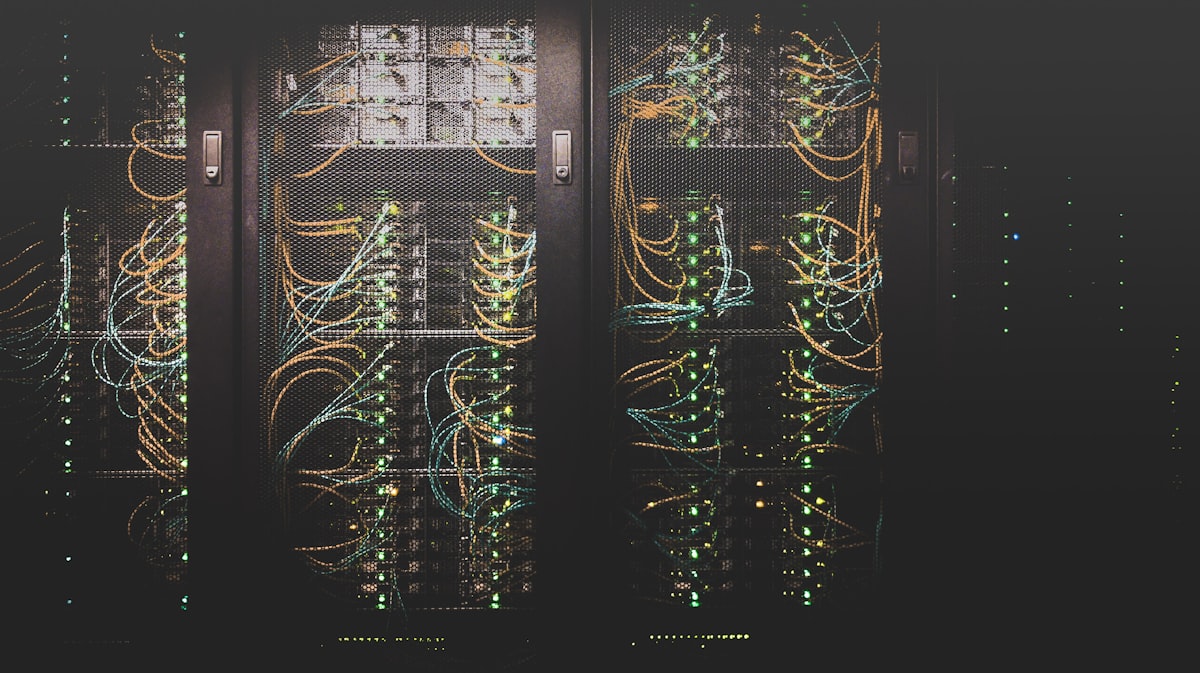
Basic Understanding of API (For Beginners)
Understand how applications communicate, exchange data, and connect services through APIs.
₦0,000

Basic Understanding of Django (For Beginners)
A beginner introduction to Python-powered web applications using the Django framework.
₦0,000

Basic Understanding of Flask (For Beginners)
Discover lightweight Python web development and build simple apps faster with Flask. :contentReference[oaicite:1]{index=1}
₦0,000

Basic Understanding of Power BI (For Beginners)
Learn dashboard thinking, reports, visuals, data modeling, and beginner business intelligence workflows.
₦0,000

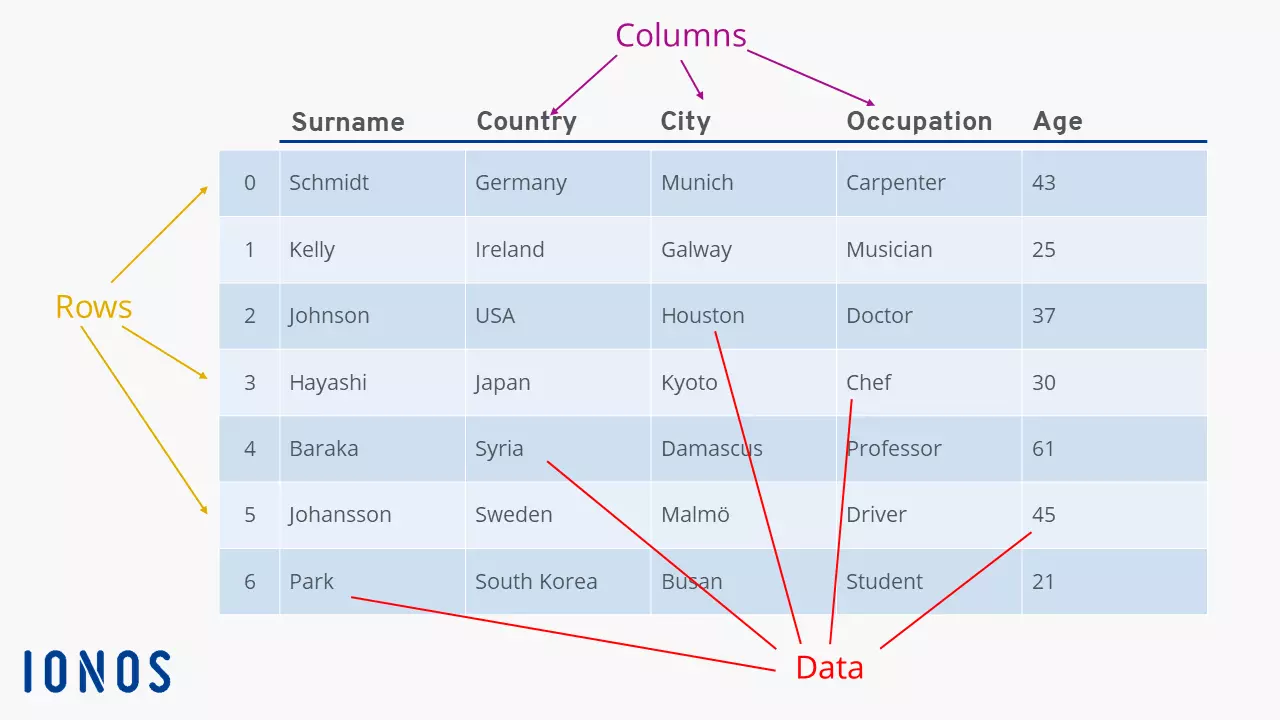
Basic Understanding of Pandas (For Beginners)
Handle tables, clean data, load files, and perform beginner data analysis with Pandas.
₦0,000

Basic Understanding of NumPy (For Beginners)
Understand arrays, numerical computing, and fast calculations for data and scientific work.
₦0,000

Basic Understanding of Tableau (For Beginners)
Build beginner dashboards and data visualizations using Tableau concepts and workflow basics.
₦0,000

Basic Understanding of R (For Beginners)
Get started with R programming for statistics, analytics, scripting, and data exploration.
₦0,000

How To Use Jupyter NoteBook For Data Analysis (Beginner Tutorial)
Use notebooks for Python practice, analysis workflows, code execution, and markdown explanations.
₦0,000

Basic Understanding of Python (For Beginners)
Learn syntax, variables, functions, logic, loops, and real beginner programming foundations.
₦0,000

HOW TO CREATE A BOT
An introduction to bot concepts, automation logic, and practical beginner bot building ideas.
₦0,000

3 PYTHON AUTOMATION PROJECTS FOR BEGINNERS
Practice practical automation with beginner-friendly projects that build real confidence.
₦0,000

Automate with Python – Full Course for Beginners
Discover scripts, repetitive task automation, beginner Python workflows, and useful mini projects.
₦0,000

Basic Understanding of MySQL (For Beginners)
Start learning relational databases, tables, records, queries, and database concepts with MySQL.
₦0,000

Learn SQL Beginner to Advanced in Under 4 Hours
A faster SQL journey covering beginner to more advanced database querying concepts. The blog lists this among older posts. :contentReference[oaicite:2]{index=2}
₦0,000

Learn 12 Basic SQL Concepts in 15 Minutes
Quickly grasp essential SQL ideas and project-focused beginner query thinking.
₦0,000

Remote Dictionary Server in-memory data store
Explore beginner concepts around in-memory data storage and fast-access data systems.
₦0,000

MASTER AI: TURN MONTHS OF WORK INTO MINUTES
Use AI tools to increase productivity, compress workflows, and speed up content or office tasks.
₦0,000

Basic Understanding of Internet of Things (IoT) – For Beginners
Learn connected devices, sensors, smart systems, and beginner IoT thinking.
₦0,000

10 Incredible New Technologies That Have Changed The World
A broader technology awareness course useful for beginners and digital literacy audiences.
₦0,00

25 technologies that have changed the world
Explore foundational technology changes and how innovation shapes society and work.
₦0,000

The 7 Main Ways Technology Impacts Your Daily Life
A practical digital awareness course for students, beginners, and general audiences.
₦0,000

Technology In Our Life Today And How It Has Changed
A simple tech awareness training focused on modern life, transformation, and relevance.
₦0,000

Data Is The New Oil -- And That's A Good Thing
Understand the value of data, analytics culture, and why data matters in modern work.
₦0,000
Data was, Analytics is, the New Oil
A practical thought-leadership training around analytics relevance and insight-driven work.
₦0,000

TECHNOLOGY IS THE NEW OIL
A broad technology awareness teaching centered on digital opportunity and modern relevance.
₦0,000
No courses found in this category.
Course Cart
Total: ₦0